Spine Viewer by bajakk
A downloadable tool for Windows
Please read this before you run the app.
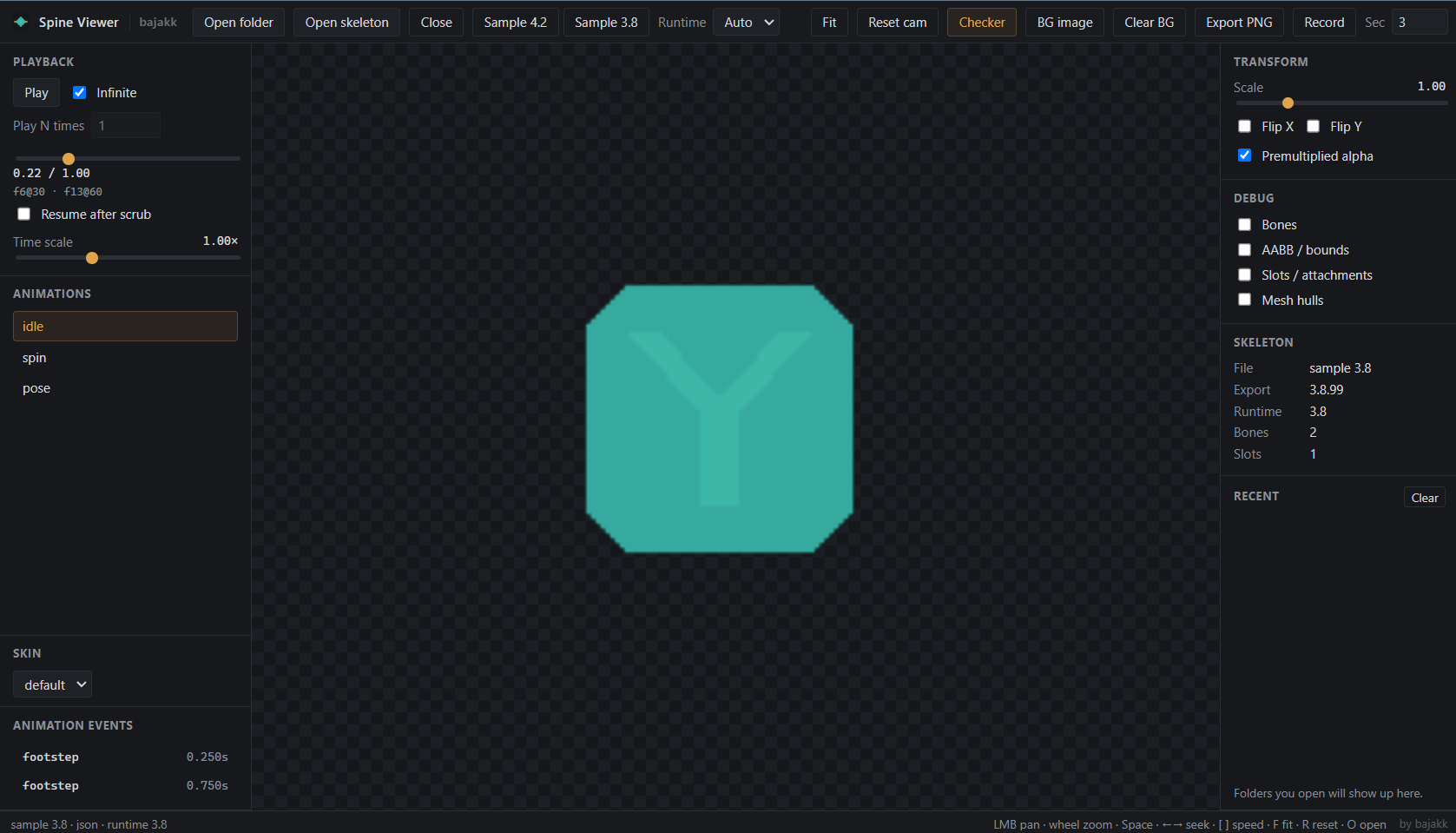
What this is - A small desktop tool for previewing Spine 2D character exports (.json / .skel + .atlas + PNG pages). Useful for checking skins, animations, and atlas packs (including RPG Maker MZ/Unity/etc–style folders).
Local viewer only — not Spine Editor, not a game engine, and it doesn’t include anyone else’s plugins or license keys.
How to run (Windows)
- Unzip the whole folder. Don’t run the
.exealone out of the zip — keep every file next toSpine Viewer.exe. - Double-click
Spine Viewer.exe. - Windows may warn that the app is unsigned (SmartScreen). Normal for indie builds — More info → Run anyway if you trust where you got it.
- No install, nothing.
Open a model You need these together (same folder is best):
Name.jsonorName.skelName.atlasName.png(+ extra PNGs if the atlas lists them)
Then: Open folder, Open skeleton, or drag-and-drop a folder onto the viewport.
Controls — LMB pan · wheel zoom · double-click fit · Space play/pause · ←→ seek · [ ] speed · F fit · R reset · Esc / Ctrl+W close.
PMA — If you see white fringe or dark cracks between parts, toggle Premultiplied alpha. Most packs want it on; bright white edges → turn it off.
Requirements — 64-bit Windows + normal WebGL GPU. Files stay on your machine; nothing is uploaded.
Credit — Made by bajakk. Spine is a trademark of Esoteric Software; this is an independent viewer.
If it breaks — Esc to close, reopen, or restart the exe.
Thank you for reading this nonsense.
Byeeeee.
Download
Install instructions
How to run (Windows)
- Unzip the whole folder. Don’t run the
.exealone out of the zip — keep every file next toSpine Viewer.exe. - Double-click
Spine Viewer.exe. - Windows may warn that the app is unsigned (SmartScreen). Normal for indie builds — More info → Run anyway if you trust where you got it.
- No install, nothing.
Leave a comment
Log in with itch.io to leave a comment.